
1.自定义页面500
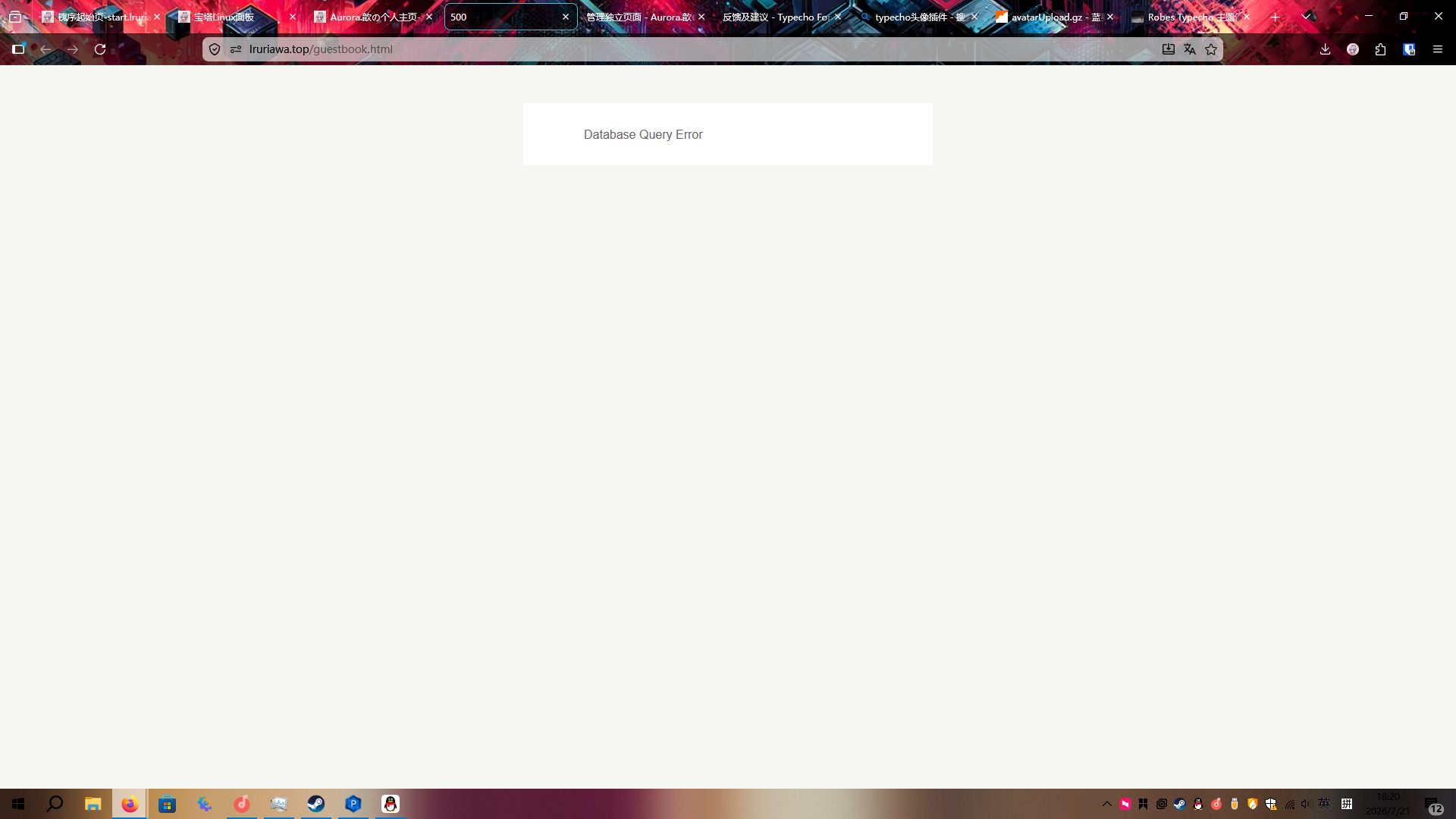
留言板自定义页面添加完出现500 Database Query Error
解决方法:
打开/data/config.inc.php文件
在最下方添加一行
define('__TYPECHO_DEBUG__', true);开启调试模式
一般情况报错内容如下: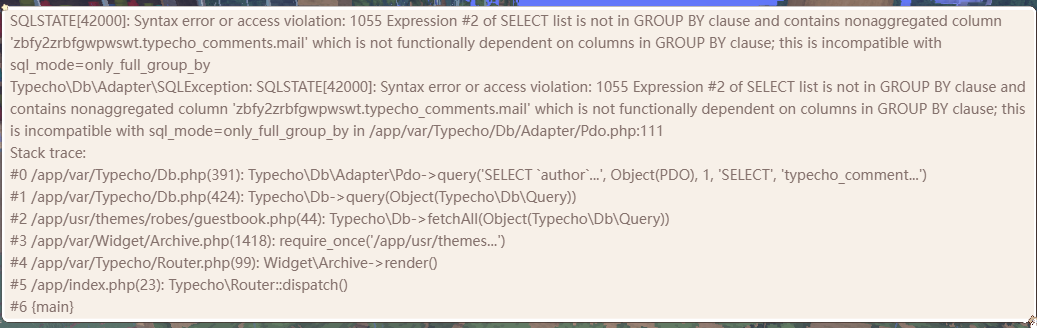
打开/data/usr/theme/robes/guestbook.php
将第42-51行替换为
 $topCommentersQuery = $db->select(
    'author',
    array('ANY_VALUE(mail)' => 'mail'),   // 这里将 mail 用 ANY_VALUE 包裹
    array('COUNT(coid)' => 'cnt')
    )
    ->from($prefix . 'comments')
    ->where('status = ?', 'approved')
    ->group('author')      // 分组保持不变
    ->order('cnt', \Typecho\Db::SORT_DESC)
    ->limit(5);
保存即可使用
2.发评论后不显示评论
解决办法:
打开/data/usr/theme/robes/comments.php
在最上方插入这行:
    <?php
if (isset($_GET['error'])) {
    echo '<div style="color:red;">错误代码:' . htmlspecialchars($_GET['error']) . '</div>';
}
?>
刷新即可显示
留言板也适用于这个方法
去下载新版覆盖就好了
图床在想办法修了qwq